






Technical SEO Consulting: What a Specialist Actually Does for Your Website
Most businesses understand that SEO matters, but fewer appreciate the depth of work that sits beneath the surface. Content and keywords tend to dominate the conversation, yet the foundations of a well-performing website are deeply technical. Without those foundations in place, even the best content struggles to gain traction. That’s where technical SEO services for complex websites come in, addressing the structural and code-level factors that search engines rely on to crawl, index and rank your pages properly.
Search engines never stop changing how they crawl and index websites, so technical SEO becomes an ongoing battle rather than a one-time fix. Our team regularly works with clients whose rankings have collapsed because crawl errors went unnoticed for months or mobile performance slowly degraded without anyone realising. We dig into the real problems behind sluggish loading speeds, content duplication and server response failures that prevent search engines from accessing your pages properly. Consulting work is grounded in our pillar piece on what technical SEO services include.
What Technical SEO Consulting Involves
Automated tools throw up red flags, but that’s just scratching the surface. Technical SEO consulting means examining whether search engines can discover your pages, render your content correctly and make sense of your URL structure from a crawling standpoint. Most people miss the completely.
We start every project with a crawl using tools like Ahrefs Site Audit or Screaming Frog, which shows us exactly how search engine bots crawl your website. Redirect chains, orphan pages and missing canonical tags get exposed immediately, but spotting problems is only the beginning. The real work happens when we prioritise these issues based on their genuine impact on organic traffic rather than just accepting whatever severity rating the tool assigns.
Log file analysis reveals what’s happening with crawler behaviour. Google might be wasting crawl budget on pagination and filtered search results while your important pages get ignored completely and most website owners have no clue this is happening.
Crawlability and Indexation
When search engines can’t crawl your pages properly, you’ve got a problem. Those pages won’t get indexed and they become invisible online. Fixing crawlability means getting several technical elements working in harmony.
Every search engine checks your robots.txt file before doing anything else on your domain. Get this wrong and you could accidentally block entire sections of your site from being crawled. We audit this file thoroughly to ensure it aligns with your indexing goals. A well-configured robots.txt should look like this:
User-agent: *
Disallow: /wp-admin/
Disallow: /cart/
Disallow: /checkout/
Disallow: /my-account/
Allow: /wp-admin/admin-ajax.php

Sitemap: https://example.co.uk/sitemap_index.xml
Your sitemap works alongside robots.txt to guide search engines to your most important content, but we regularly discover sitemaps crammed with useless entries or missing pages altogether. Some are bloated with URLs that return error codes. Google’s sitemap documentation explains the fundamentals, though implementing it correctly for your specific site requires deeper technical knowledge.
Canonical tags deserve attention too because multiple URLs serving the same content create confusion about which version search engines should prioritise. Poor canonical implementation splits your ranking authority between duplicate pages rather than consolidating it where you need it most. Our team reviews every canonical tag on your site to verify they’re self-referencing correctly and pointing to the preferred version when duplicates are present.
Site Speed and Core Web Vitals
Core Web Vitals shifted everything when Google started caring about actual user experience metrics. Page speed was always a ranking factor but now we’re looking at specific measurements like loading performance, interactivity and visual stability. Technical SEO consulting digs deep into these metrics because they directly impact how users experience your site.
| Core Web | What It Measures | Good Threshold |
|---|---|---|
| Largest Contentful Paint (LCP) | Loading performance of the largest visible element | Under 2.5 seconds |
| Interaction to Next Paint (INP) | Responsiveness to user interactions | Under 200 milliseconds |
| Cumulative Layout Shift (CLS) | Visual stability during page load | Under 0.1 |
Your LCP score tells you there’s a problem but doesn’t fix anything. We dig into the actual causes behind slow loading times. Unoptimised images, render-blocking JavaScript, sluggish server responses and bloated DOM structures all create different issues that need different solutions. Working with an SEO team that understands your specific platform makes all the difference because WordPress sites need completely different approaches than custom applications. Server-side performance gets ignored far too often and that’s where real problems hide.
Structured Data and Schema Markup
Schema markup tells search engines exactly what they’re looking at on your pages. Products, FAQs, services, reviews, events all get specific structured data that provides context search engines can understand. Rich results come from good Schema implementation and those enhanced listings pull much higher click-through rates than basic search results.
Bad structured data kills your search visibility before you know what hit you. Our audits catch existing markup errors and find opportunities for new Schema implementation where it makes sense. The Schema.org documentation provides the vocabulary but proper implementation requires careful attention to detail. Here’s FAQ schema markup done in JSON-LD format:
<script type="application/ld+json">
{
"@context": "https://schema.org",
"@type": "FAQPage",
"mainEntity": [
{
"@type": "Question",
"name": "How long does a technical SEO audit take?",
"acceptedAnswer": {
"@type": "Answer",
"text": "A thorough technical SEO audit typically takes two to four weeks depending on the size and complexity of your website."
}
},
{
"@type": "Question",
"name": "Will technical SEO changes affect my current rankings?",
"acceptedAnswer": {
"@type": "Answer",
"text": "Properly implemented technical fixes improve crawlability and indexation, which generally leads to ranking improvements rather than losses."
}
}
]
}
</script>Getting structured data wrong triggers manual actions and creates errors in Google Search Console that you really don’t want to deal with. Skip it entirely rather than get it wrong. “name”: “What does a technical SEO consultant do?”, “text”: “A technical SEO consultant audits and optimises the infrastructure of your website to improve how search engines crawl, index and rank your pages.” “name”: “How often should a technical SEO audit be carried out?”, “text”: “A audit should be carried out at least twice a year, with ongoing monitoring in between to catch issues as they arise.” </script> We validate every piece of structured data through Google’s Rich Results Test and monitor Search Console constantly for any warnings that surface.
Mobile Optimisation and Rendering
Google crawls your mobile version first and ranks based on that. Your desktop site becomes irrelevant if mobile performance tanks.
Technical SEO consulting goes way beyond making things responsive though. Desktop content needs to display correctly on mobile and touch elements must be sized for real human fingers, not tiny mouse cursors. Core Web Vitals benchmarks matter for page speed. JavaScript rendering demands extra scrutiny because search engines process it differently than browsers do. Content parity between mobile and desktop versions remains one of the biggest technical SEO blind spots according to Search Engine Journal’s guide on mobile-first indexing.
JavaScript frameworks destroy search visibility when implemented poorly. Crawlers see empty shells instead of actual content when everything loads after JavaScript executes. We test both server-side and dynamic rendering to confirm search engines can access all your important content.
Site Architecture and Internal Linking
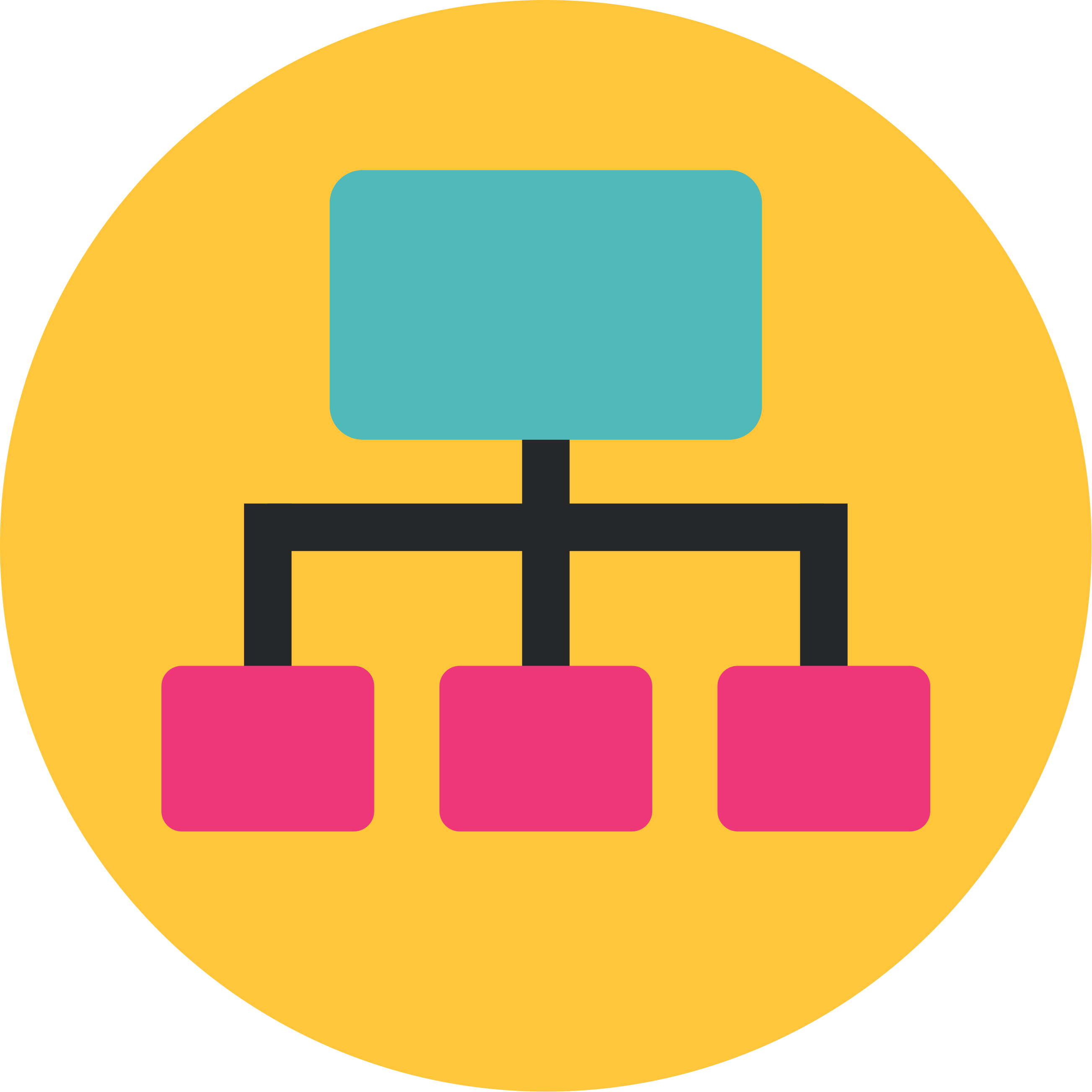
Three clicks from your homepage is the magic number for important pages. Go beyond that and you’re asking search engines to play hide and seek with your best content, which they won’t bother doing.
Your site architecture probably has more holes than Swiss cheese and we’ll find every single one. Orphan pages with zero internal links, content buried so deep it needs a treasure map, hub pages that link to everything and nothing at the same time. We rebuild the whole thing so link authority flows to pages that matter and both humans and bots can find their way around without getting lost.
A well-structured website isn’t just easier for search engines to crawl. It’s easier for users to find their way around, which reduces bounce rates, increases time on site and supports higher conversion rates across every channel.
But here’s where most sites fall apart completely. Internal linking strategy sounds boring until you realise each link is effectively a vote of confidence and the anchor text explains what that vote is for. We’ll spot which pages are starving for internal links and build a proper system that feeds authority to your money-making content. And if you’re running WordPress, working with a team experienced in WordPress development means we can restructure everything without accidentally breaking your site in the process.
HTTPS has been a ranking factor for nearly a decade now, so there’s really no excuse for running an insecure site. We’ll check your SSL certificate works properly, scan for mixed content warnings that browsers hate and clean up any redirect chains that send users on a wild goose chase from HTTP to HTTPS.
Clean 301 redirects, proper 404 handling and sensible URL structures matter more than most people realise. Pagination can trip you up too if it’s not done right. Moz’s guide to technical SEO explains how these issues creep up slowly and stay buried until your rankings suddenly drop.
- Audit and fix all broken internal and external links
- Implement proper 301 redirects for any changed or removed URLs
- Review and clean up redirect chains (more than two hops)
- Ensure all pages return correct HTTP status codes
- Check for soft 404 errors where pages return a 200 status but show error content
- Verify hreflang tags for multilingual or multi-regional sites
- Audit robots meta tags to confirm no important pages are accidentally set to noindex
Technical Considerations

Things break constantly on websites because everything keeps moving. We get the panic calls after rankings have crashed or entire pages have disappeared from Google. That’s fixing the damage, not preventing it. Regular technical audits catch the small before it becomes a disaster that costs you weeks of lost traffic and frustrated customers trying to fix what went wrong.
Site migrations and redesigns are where you absolutely need specialist help from the beginning. URL structures, redirect mapping and indexation planning can’t be afterthoughts because one wrong move wipes out years of organic growth overnight. And new site launches follow the same rule. Our team builds technical SEO foundations into every web design project so your site doesn’t need emergency repairs six months later.
Google Search Console keeps flagging indexation problems that just won’t disappear. Your organic traffic flatlines despite churning out fresh content every week, which means technical problems are choking your site’s growth potential. A consultant can dig deep with a proper audit to pinpoint exactly what’s broken and rank the fixes by impact. Semrush’s technical SEO checklist shows that even well-established websites need regular technical checkups to maintain their edge.
Ask them about specific technical challenges they’ve tackled and how they solved them. Documentation separates the pros from the pretenders. Your consultant should record every issue they discover, break down their recommendations clearly and monitor results as changes take effect. They also need to mesh well with your development team, creating implementation specs detailed enough that developers can work without firing off endless clarification emails.
Outstanding content becomes worthless when technical foundations start cracking underneath. Sites with amazing content can tank because their crawl efficiency is abysmal. But we’ve also watched technically perfect sites bomb because the content being indexed was. Technical SEO complements content strategy, on-page optimisation and user experience rather than replacing any of them. Your consultant must understand these connections because the magic happens when technical teams, content writers and designers coordinate their efforts properly.
FAQs
What is the difference between a technical SEO audit and a general SEO audit?
A general SEO audit looks at content quality, keyword targeting and backlink profiles alongside technical factors. A technical SEO audit goes much deeper into how search engines crawl and index your site, examining server responses, URL structures, crawl budget allocation, Core Web Vitals and structured data implementation. It focuses specifically on the infrastructure that determines whether Google can access and understand your pages properly.
How often should a technical SEO audit be carried out?
Most businesses benefit from a thorough technical SEO audit at least twice a year, with ongoing monitoring in between. Your website changes constantly through content updates, plugin installations and platform upgrades and search engines regularly update their requirements too. Sites that undergo major changes such as redesigns, migrations or significant content additions should be audited immediately after those changes go live to catch any new issues before they affect rankings.
What are the most common technical SEO problems that affect search rankings?
The most frequent issues include poor crawlability caused by misconfigured robots.txt files, broken redirect chains that waste crawl budget, missing or incorrect canonical tags that scatter ranking power across duplicate pages and slow page speeds driven by unoptimised images or render-blocking scripts. Structured data errors and mobile usability problems also crop up regularly. Many of these issues go unnoticed for months because they happen behind the scenes where site owners rarely look.

Co-Founder at Priority Pixels
Paul leads on development and technical SEO at Priority Pixels, bringing over 20 years of experience in web and IT. He specialises in building fast, scalable WordPress websites and shaping SEO strategies that deliver long-term results. He’s also a driving force behind the agency’s push into accessibility and AI-driven optimisation.


 Nathan Yendle | 02/10/2026



