




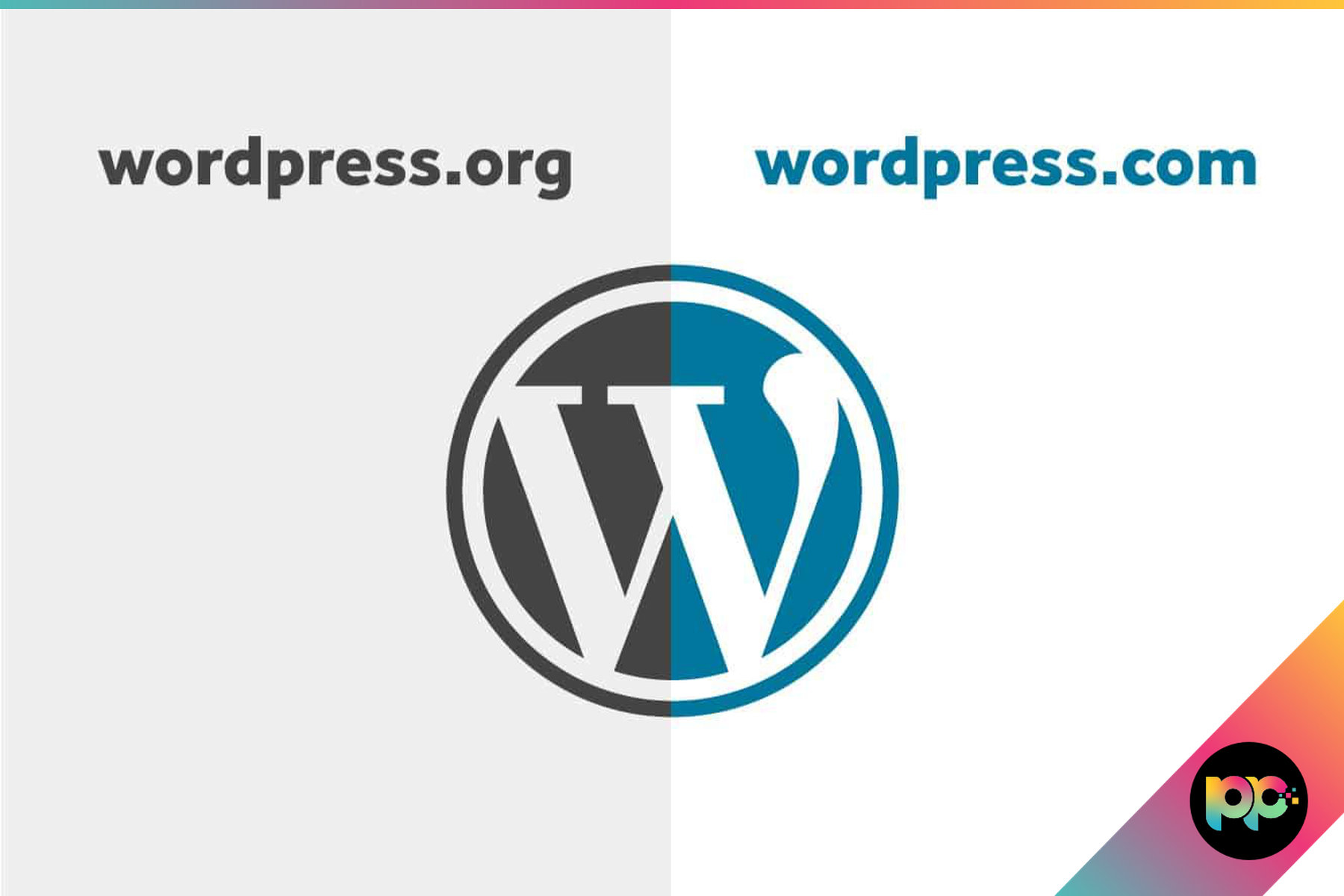
What is the difference between WordPress.com and WordPress.org?
WordPress.com and WordPress.org? They’re not the same thing, despite what most people think. Sure, they share a name, but that’s where similarities end. As a WordPress development agency, we help clients navigate this decision regularly. You’ll get locked into simplicity with one option while the other throws every door wide open, though it expects you to handle the technical bits yourself.
Get this wrong and you’ll spend months migrating everything later.
WordPress.org: Complete Ownership and Control

WordPress.org powers a significant portion of the web, and it’s the original open-source software everyone talks about. Download it, stick it on your hosting account and boom, you own everything. Your content, your data, your site functionality. Complete control.
Want to install any theme or plugin you fancy? Done. Need custom code or third-party integrations? Not a problem. Building an online shop, membership area or booking system becomes straightforward with the right plugins and a bit of development work.
Why do our developers stick with WordPress.org? Simple, our B2B and public sector clients need flexibility that just isn’t negotiable. Healthcare providers demanding WCAG compliance features, logistics companies wanting complex booking integrations. WordPress.org handles it all without breaking a sweat.
Sounds daunting when you first hear you’re responsible for hosting, security updates, backups and maintenance. Most of it becomes second nature once you’ve got proper planning and decent tools in place.
WordPress.org hands you the keys to everything. Your content stays yours, your user data lives on your servers, and if your hosting provider starts taking liberties with pricing or performance, you pack up and move without losing a single page. That freedom matters more than most businesses realise until the day they need it and discover their platform won’t let them leave.
Ask any professional web agency why they choose WordPress.org and you’ll get the same answer. Artificial limitations don’t work when you’re building complex B2B websites or public sector portals, platform restrictions are deal-breakers.
WordPress.com: Managed Hosting with Platform Restrictions

With WordPress.com, Automattic takes care of everything behind the scenes. Hosting, security patches, backups, software updates? All sorted. You get an account, pick a template and you’re publishing content straight away.
Perfect for beginners who don’t want the headache of researching hosting providers or installing software. Security worries disappear because you’re working inside their managed system and the infrastructure runs like clockwork from the moment you sign up.
But here’s the catch. Free accounts stick WordPress.com branding all over your site and lock down most custom features. Even when you pay for premium plans, you’ll hit walls around plugins, themes and how you can actually make money from your site.
Need custom development work? Lower-tier plans make it almost impossible. Our web development team needs direct code access, the ability to install specific plugins and server settings that just aren’t available on most WordPress.com plans.
Simple business websites or personal blogs? These restrictions won’t bother you much. Growing organisations tell a different story though, since they’ll eventually hit WordPress.com’s limits and face costly migration headaches down the road.
Key Differences That Matter
Here’s where things get interesting with hosting. WordPress.org means you’re shopping for hosting yourself, with costs varying depending on what you need, while WordPress.com bundles everything together but slaps platform restrictions on what you can actually do.
| Feature | WordPress.org | WordPress.com |
|---|---|---|
| Plugin access | 60,000+ free plugins available | Business plan or higher required |
| Custom themes | Upload any theme, modify freely | Premium themes only on paid plans |
| Ecommerce | WooCommerce and alternatives | Commerce plan or higher required |
| SEO control | Complete access to all settings | Limited on free plans |
| Data ownership | You own everything | Platform controls hosting and data |
Want to make money from your site? WordPress.org doesn’t care how you do it. Advertising, affiliate links, product sales, subscriptions, everything’s fair game and you keep complete control over your revenue streams.
WordPress.com takes a different approach by blocking monetisation on cheaper plans and grabbing a slice of your earnings on premium features. Works fine for hobby projects, but businesses pulling in decent online revenue will find this gets expensive fast.
Technical Capabilities and Limitations
Custom user registration forms? Just grab a membership plugin. Automated email marketing integration? Connect whatever service you prefer through APIs or dedicated plugins. WordPress.org doesn’t restrict functionality if you can code it or find a plugin that does it.
That flexibility becomes especially important when we’re working on our website integration projects and need to connect WordPress sites with CRM systems, booking platforms, payment gateways and industry-specific tools.
WordPress.com takes a different approach. They limit integrations to approved services and won’t let you add custom code on most plans, which creates headaches when clients need specific functionality that simply isn’t available through their platform.
Making the Right Choice for Your Organisation
For individuals and small organisations who want simplicity over functionality, WordPress.com works well enough.
When you need custom functionality, ecommerce or specific business integrations, WordPress.org becomes the obvious choice. Yes, the technical stuff gets more complicated, but that complexity pays off when WordPress.com simply can’t deliver what your business actually needs.
Almost every business that starts on WordPress.com eventually outgrows it. The migration itself is manageable if you plan for it, but the real cost is the time you spent working within limitations that didn’t need to exist. Custom plugins, proper ecommerce, CRM integrations, these all require WordPress.org. If any of that is on your roadmap, skipping WordPress.com entirely saves you months of rework down the line.
Think about where you’ll be in two years. Custom plugins? Online shop? Integration with your CRM or accounting software? If any of those sound likely, skip WordPress.com entirely and go straight to WordPress.org.
SEO tells a different story entirely between the two platforms. WordPress.org SEO gives you complete control over technical optimisation, schema markup and performance tweaks, whilst WordPress.com locks you out of the tools that serious SEO campaigns actually need.
Migration Considerations
You can move from WordPress.com to WordPress.org, but don’t expect it to be straightforward. Content transfers fine through exports, yet everything else needs rebuilding from scratch. Custom designs? Gone. Plugin setups? Start over. SEO configurations? Back to square one. The official migration documentation walks you through the technical steps, though most people end up needing professional help anyway.
Skip the migration headache and start with WordPress.org instead.
Want WordPress.org flexibility without the technical headaches? Our managed hosting services give you complete platform control while we sort the server management, security updates and performance monitoring behind the scenes.
Professional Development and Support
Here’s what makes WordPress.org brilliant: the community backing it. Developers love this platform, which means you’ve got thousands of tutorials at your fingertips, active forums buzzing with solutions and professional services ready to step in when things get tricky.
Sure, WordPress.com’s support team will sort out platform hiccups, but don’t expect help with anything custom. The trade-off here is pretty clear: fewer customisation headaches means fewer ways to make your site truly yours.
Ask any professional web agency which version they use and you’ll get the same answer every time. WordPress.org is the only choice when you’re building complex B2B sites, government portals or proper ecommerce platforms that need full WordPress functionality.
There is a reason every professional web agency builds on WordPress.org. When you are dealing with complex B2B sites, government portals or ecommerce platforms that need to handle thousands of products, the self-hosted version is the only option that doesn’t hit a ceiling. WordPress.com serves a purpose for personal blogs and simple brochure sites, but the moment your requirements go beyond the basics, you will hit restrictions that no amount of plan upgrades can fix.

Planning to work with developers at some point? WordPress.org gives them the freedom they need to build what you want, whilst WordPress.com’s limitations will frustrate both you and them when they can’t deliver on your requirements.
Sure, they’re both running WordPress under the hood, but that’s where the similarities end. The hosting setup, how much you can tweak things and the way they make money? Completely different worlds, which means your experience won’t be anything alike depending on which one you pick.
Need a website that performs like a proper business tool with zero restrictions on what you can do? WordPress.org wins every time. WordPress.com’s great if you just want something simple up and running without the hassle.

Co-Founder at Priority Pixels
Paul leads on development and technical SEO at Priority Pixels, bringing over 20 years of experience in web and IT. He specialises in building fast, scalable WordPress websites and shaping SEO strategies that deliver long-term results. He’s also a driving force behind the agency’s push into accessibility and AI-driven optimisation.






