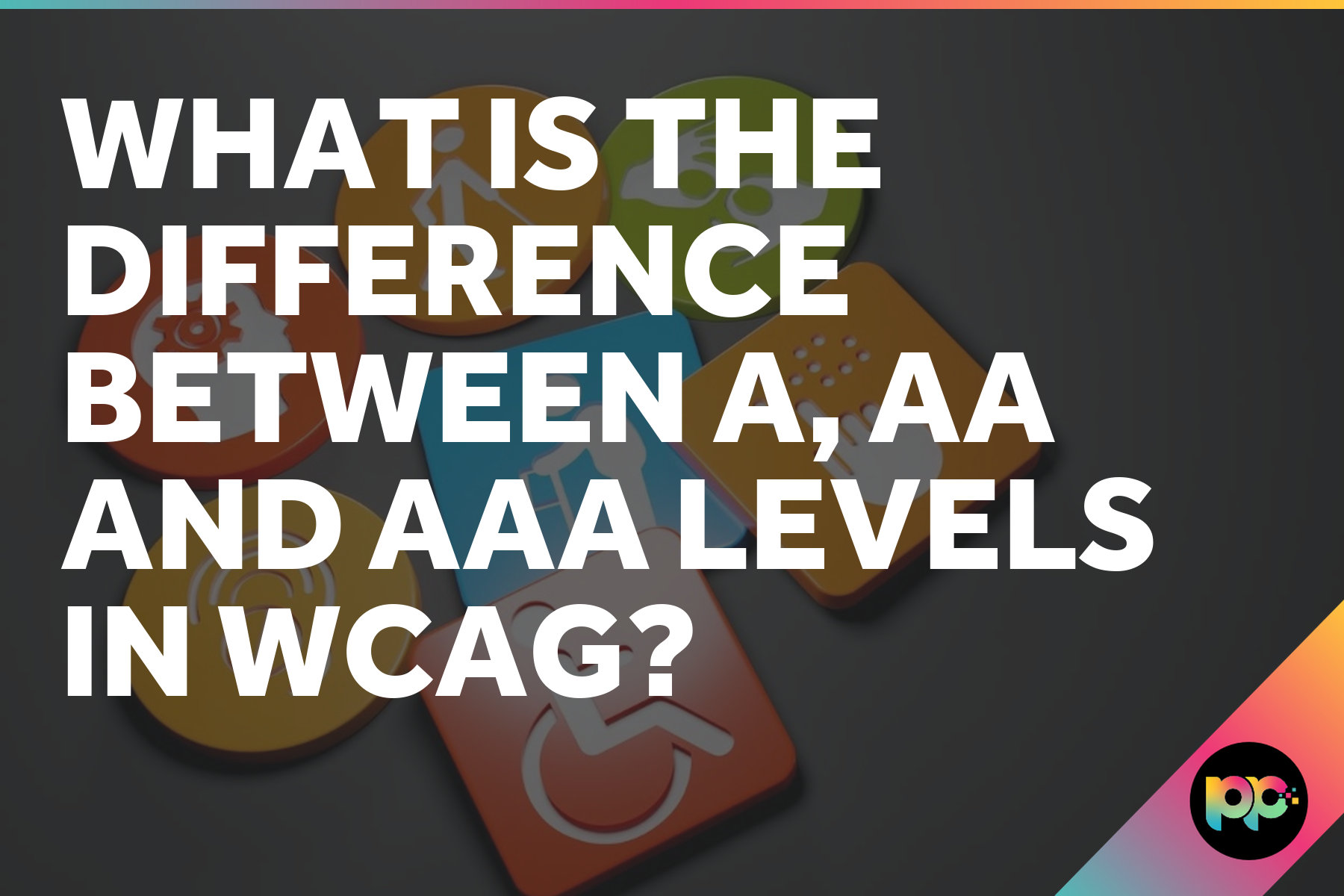
What is the Difference Between A, AA and AAA Levels in WCAG?
Think of WCAG levels as different stages of how seriously you’re taking accessibility. We’re not talking about ticking boxes here. These three levels (A, AA and AAA) determine whether your website actually works for everyone or just pretends to. Each level builds on the last one, tackling different barriers that people face when they’re trying to use your site. For organisations in the public sector, understanding these levels isn’t optional.
Most organisations aim for Level AA because it hits the sweet spot between legal compliance and genuine usability. But Level A? That’s just the bare minimum to stop your site being completely unusable for some people. Level AAA goes the extra mile, though it’s often overkill unless you’re working in healthcare or government where accessibility improvements can be life-changing.
Level A: The Foundation
Level A compliance means some users with disabilities can actually get to your content instead of hitting a brick wall. That’s it. We’re talking survival-level accessibility here, not comfort.
Alt text for images, keyboard navigation that doesn’t break halfway through and headings that screen readers can follow properly. Basic stuff, really, but you’d be amazed how many sites mess up these fundamentals and wonder why assistive technologies can’t make sense of their content.
Getting to Level A during development? Pretty straightforward for most sites. But here’s where things go wrong: teams stop there and think they’re done. That’s a mistake. Level A won’t shield you from legal trouble and it definitely won’t create the inclusive experience your users actually need.
Level AA: The Practical Standard
Level AA tackles the big stuff that really blocks disabled users from accessing your content. We’re talking proper colour contrast, text that scales without breaking your layout, video captions that actually work and navigation that stays consistent across pages.
Want to stay on the right side of the Equality Act 2010? Level AA compliance isn’t optional. Public sector bodies get hit hardest here since NHS sites, council portals and government services face regular scrutiny for discrimination claims.
Level AA conformance addresses approximately 95% of accessibility barriers that users with disabilities encounter on websites, making it the gold standard for most organisations.
Yes, Level AA costs more time and money than Level A. Your colour contrast ratios need to hit 4.5:1 for standard text, videos need proper captions and form errors require clear messaging. The payoff? Every user benefits from these changes, whether they have disabilities or not.
Level AAA: The Highest Bar
AAA compliance? That’s WCAG’s top tier and it’s brutal to achieve. We’re talking sign language interpretation for every video, colour contrast ratios that’ll make your designer weep and help documentation so detailed you’ll need a manual for the manual. Everything from A and AA gets bundled in too, which means you’re already starting from a pretty high bar.
Trying to hit AAA across your whole site is frankly mad. Most accessibility experts will tell you straight up not to bother because some requirements just don’t work for certain content types. Breaking news videos with sign language interpretation? Good luck getting that sorted in real time.
But here’s where it gets interesting. Certain parts of your website might actually need AAA standards and healthcare providers know this better than anyone. Patient portals dealing with sensitive medical information? That’s prime AAA territory. Same goes for educational platforms where poor accessibility can seriously wreck someone’s academic progress.
Legal Requirements and Practical Considerations
UK courts keep pointing to Level AA when accessibility cases come up, even though our law doesn’t spell out specific WCAG levels. The Equality Act 2010 demands reasonable adjustments to prevent discrimination against disabled people and in practice that means AA compliance covers you in most situations.
Government websites can’t dodge this one. The Public Sector Bodies Accessibility Regulations 2018 make WCAG 2.1 Level AA mandatory for all public sector sites and mobile apps. Private companies don’t get the same explicit rules, but discrimination law creates identical legal risks anyway.
| Level | Typical Use Cases | Legal Status | Implementation Difficulty |
|---|---|---|---|
| Level A | Minimum baseline for any public-facing website | Insufficient for legal protection | Relatively straightforward |
| Level AA | Standard for most business and public sector sites | Expected minimum for legal compliance | Achievable with proper planning |
| Level AAA | Specialised services for disabled users | Not typically required by law | Very challenging for general content |
Why do NHS trusts sometimes push beyond Level AA for their patient portals? They’re serving vulnerable populations who depend on these systems for critical health information.
Testing Your Current Accessibility Level

Finding out where your site currently stands means running both automated scans and proper manual checks. Tools like WAVE, axe and Lighthouse catch the obvious problems. Missing alt text, poor colour contrast, broken keyboard navigation.
Manual testing digs deeper than any automated tool can manage. Screen reader testing shows whether your content actually makes sense when someone can’t see it. Try working through your entire site using only your keyboard and see which interactive elements become unreachable. Voice control testing reveals form fields that ignore speech input completely.
Automated testing tools identify approximately 30% of accessibility issues. The remaining 70% require manual testing and user feedback to discover.
Nothing beats getting disabled users to actually test your site. Automated tools miss the stuff that really matters to people using screen readers or voice control. That form might tick every WCAG box, but if the error messages leave users scratching their heads, you’ve still failed them.
- Run automated scans using multiple tools to catch different types of issues
- Test keyboard navigation throughout your site without using a mouse
- Check colour contrast ratios for all text and interactive elements
- Verify that form errors provide clear guidance for correction
- Test with actual screen readers, not just automated simulations
Professional accessibility audits pull everything together.
Implementation Strategy
Level AA makes sense as your target for most business sites. You’ll catch the majority of accessibility problems without diving into the really complex stuff that Level AAA demands. Start with Level A basics, then work your way up over a few development sprints rather than trying to fix everything at once.
Expect to spend time on alt text, colour contrast fixes and sorting out keyboard navigation issues first. Most of this work happens in your WordPress templates and CSS files, so you won’t need to rebuild everything from scratch.
When you’re tackling forms, don’t treat them as an afterthought. Screen reader users need clear labels and error messages that actually make sense, plus a tab order that doesn’t jump around like it’s having a seizure. Bonus? Everyone else benefits too, which means your conversion rates get a nice bump.
Keeping things accessible means your content team can’t just wing it anymore. Alt text needs proper guidelines, your designers need contrast ratios baked into every style guide and ongoing maintenance has to include accessibility checks or you’ll be back to square one within months.
Beyond Compliance
Meeting WCAG requirements? That’s just the starting line. Really inclusive design means giving people multiple ways to get stuff done, throwing in different content formats and building interfaces that play nice with assistive tech you’ve never even heard of.
Here’s the thing about user feedback: it catches problems WCAG completely misses. Your site might tick every Level AA box while driving voice control users absolutely mental.
Accessibility is not a project with a finish line. It’s an ongoing commitment to inclusive design that evolves with your content and technology.
Funny how accessibility features designed for specific needs end up helping everyone. Those captions you added for hearing-impaired users? They’re brilliant when you’re watching videos in a packed coffee shop. That clear navigation structure works wonders for anyone trying to find something quickly and decent colour contrast means your content stays readable whether someone’s squinting at their phone in bright sunlight or dealing with an ageing monitor.
Sure, WCAG gives you the roadmap. But it’s your actual approach that decides whether your site truly works for everyone or just ticks boxes on paper. Good design practices and accessibility requirements aren’t separate things when you think about real users from day one.
FAQs
Can I legally get away with just Level A compliance for my website?
Level A alone won’t protect you from legal challenges under the Equality Act 2010. UK courts consistently reference Level AA standards when accessibility cases arise, and Level A only addresses the most basic barriers. You’re essentially leaving yourself exposed to discrimination claims whilst failing to serve disabled users properly.
How much extra development time should I budget for Level AA compared to Level A?
Level AA typically requires 30-50% more development time than Level A, depending on your site’s complexity. The additional work includes proper colour contrast implementation, video captioning, consistent navigation patterns and detailed form error handling. However, this investment pays off through reduced legal risk and improved usability for all users.
Should my e-commerce site aim for Level AAA compliance?
Level AAA across an entire e-commerce site is generally impractical and unnecessary. Focus on Level AA for most content, but consider AAA standards for critical areas like checkout processes or customer account sections. This targeted approach gives you the biggest accessibility impact without the massive resource commitment that full AAA compliance demands.

Co-Founder at Priority Pixels
Paul leads on development and technical SEO at Priority Pixels, bringing over 20 years of experience in web and IT. He specialises in building fast, scalable WordPress websites and shaping SEO strategies that deliver long-term results. He’s also a driving force behind the agency’s push into accessibility and AI-driven optimisation.